April 30, 2026
Why Most Tampa Bay Businesses Don’t Show Up on Google Maps — And What to Fix First
Author
Local service businesses in Land O’ Lakes, Wesley Chapel, Lutz & Tampa Bay are losing calls to competitors who simply give Google clearer signals.
If you run a plumbing company, electrical business, HVAC company, salon, contractor business, or another local service business in Land O' Lakes, Wesley Chapel, Lutz, Odessa, New Tampa, or the broader Tampa Bay area, you have probably felt this before.
Someone searches:
“plumber near me”
“hair salon Land O’ Lakes”
“electrician Wesley Chapel”
“AC repair near me”
And your business is not showing up near the top of Google Maps. Your competitor is. And they are getting the call.
That does not always mean your competitor is better. It usually means Google has clearer signals from them.
Google Maps is not magic. It is a trust system. Google is trying to answer one simple question: “Which business is the best match for this customer right now?”
If Google does not clearly understand what you do, where you work, and why people should trust you, your business can stay buried — even if you do excellent work, even if your customers love you, even if you have been in business for years.
The good news is that most Google Maps problems come from fixable issues.
First, What Is the Map Pack?
The Map Pack is the group of Google Maps listings that shows up near the top of a local search — usually the small map with three business listings under it.
For many local searches, this is the most important spot on the page. People do not always scroll. They look at the top few options, check reviews, glance at photos, and call one of them.
So if your business is missing from the Map Pack, you are not just “a little lower.” You may be skipped before the customer ever sees your website.
How Google Decides Which Local Businesses Show Up
Google local rankings are built around three main ideas: Relevance, Proximity, and Prominence. Those words sound more complicated than they are.
Relevance
means Google understands what you do. If you are a plumber, Google needs to know what kind of plumbing you offer — water heaters, drain clearing, emergency calls, remodels, residential, commercial. That specificity is what relevance actually looks like in practice.
Proximity
is about distance. Google looks at where the customer is searching from and whether your business is close enough or clearly serves that area. If someone searches from Wesley Chapel, Google wants to show businesses that are nearby or explicitly serve Wesley Chapel.
Prominence
is about trust and credibility. Google looks for proof that your business is real, active, and worth recommending — and that proof comes from reviews, photos, your website, local listings, and mentions around the web.
So in plain terms: Google wants to know what you do, where you do it, and whether people trust you. That is the whole game.
Why Good Businesses Stay Invisible
Most local businesses are not invisible because they are bad businesses. They are invisible because Google does not have enough clear, fresh, matching information about them.
A Google Business Profile that has not been touched in months gives Google very little fresh proof. A website that does not clearly list services and cities gives Google less to connect. A business phone number or address that looks different across the web creates confusion. A profile with old photos and sparse reviews may look less active than a competitor with steady updates.
Google is not guessing — it is reading signals. And if your signals are weak, messy, outdated, or inconsistent, a competitor can outrank you even if your actual work is better.
Common Reasons Tampa Bay Businesses Don’t Rank Well on Google Maps
Most local visibility problems come from the same few things:
- Your Google Business Profile is incomplete.
- Your business category is wrong or too broad.
- Your services are not fully listed.
- Your photos are old, missing, or generic.
- Your reviews come in randomly instead of steadily.
- Your business name, address, or phone number does not match across the web.
- Your website does not clearly explain your services.
- Your website does not clearly mention the cities you serve.
- Your business does not have enough local trust signals.
None of this is scary. It is just cleanup. And once you see it, it becomes very fixable.
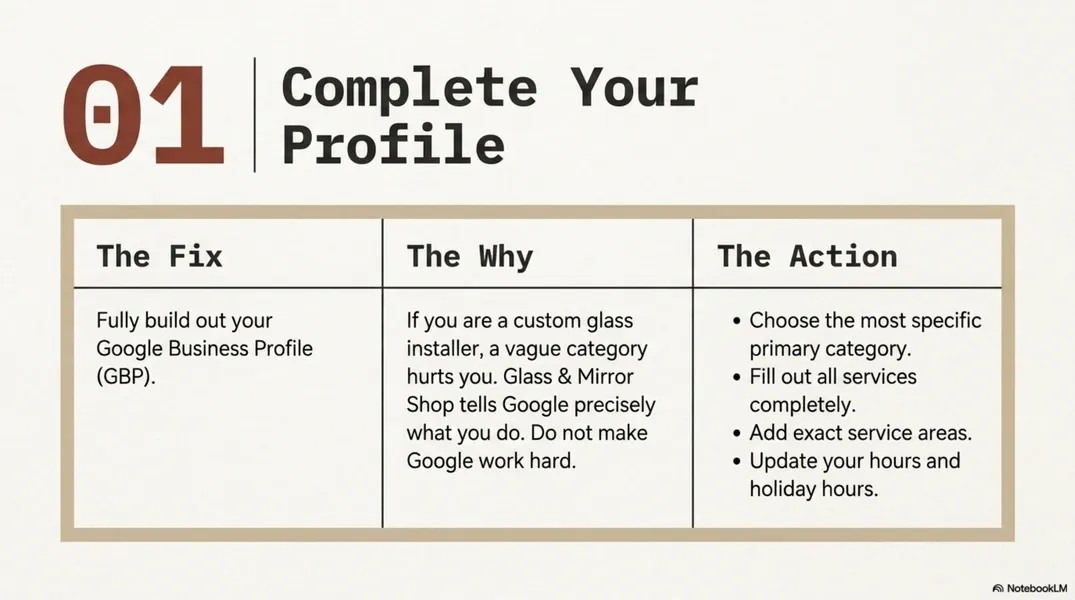
Fix #1: Complete Your Google Business Profile
Your Google Business Profile — often called GBP — is the business listing that shows on Google Search and Google Maps. It includes your business name, phone number, hours, reviews, photos, services, location, website link, and updates.
This profile should clearly answer three questions: What do you do? Where do you do it? How can someone contact you? Many profiles do not answer those questions clearly enough.
Start with the basics:
- Claim and verify your profile.
- Choose the best primary category.
- Add helpful secondary categories.
- Fill out your services completely.
- Write a clear business description.
- Add your service areas.
- Check your phone number and website link.
- Update your hours and holiday hours.
Your primary category is the main label Google uses for your business, and it matters more than most people realize. If you are a custom glass installer, “Glass & Mirror Shop” may tell Google more than a vague category. If you are a salon that specializes in hair color, your category and services should make that clear. Do not make Google work too hard — tell it exactly what you do.
click to enlarge
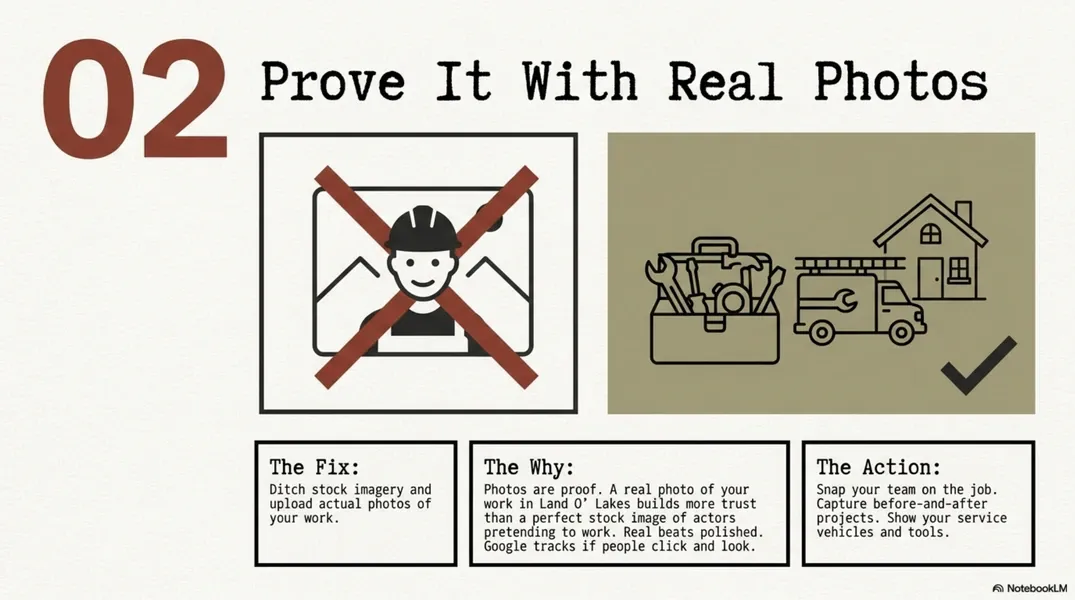
Fix #2: Use Real Photos
Photos are not just decoration — they are proof. They show that your business is real, show your work, show your team, and show that you are active right now. Customers look at photos before they call, and Google also watches how people interact with them. If people click, scroll, and spend time looking, those are engagement signals.
Good photos for local businesses include:
- Your team on the job.
- Before-and-after photos.
- Finished projects.
- Service vehicles.
- Tools and materials.
- Storefront or office photos.
- Behind-the-scenes work.
- Happy customers, with permission.
- Local job-site photos.
Stock photos do not build the same trust. A real photo of your work in Land O’ Lakes or Wesley Chapel is stronger than a perfect stock image of people pretending to work. Real beats polished.
Fix #3: Keep Your Profile Alive With Updates
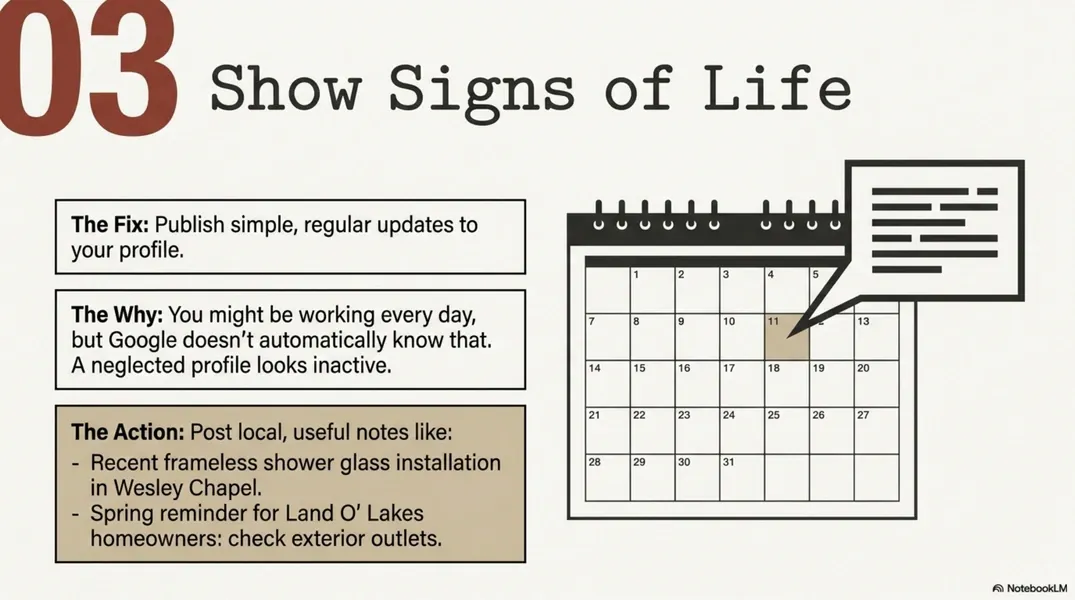
A neglected profile can make a busy business look inactive — and that is the annoying part. You may be working every day, but Google does not automatically know that. So give Google signs of life.
Post simple updates on your Google Business Profile. These can be easy:
- A recent job.
- A seasonal tip.
- A common customer question.
- A service reminder.
- A short behind-the-scenes note.
- A special offer, when it makes sense.
For example:
“Recent frameless shower glass installation in Wesley Chapel.”
“Hurricane season reminder: check your AC drainage before heavy storms.”
“Spring reminder for Land O’ Lakes homeowners: check exterior outlets before pool and patio season.”
These posts do not need to be fancy — they just need to be useful, local, and consistent. Think of them like tapping Google on the shoulder and saying: we are still here, we are active, we serve this area. That is genuinely all it takes.
click to enlarge
Fix #4: Build Review Velocity
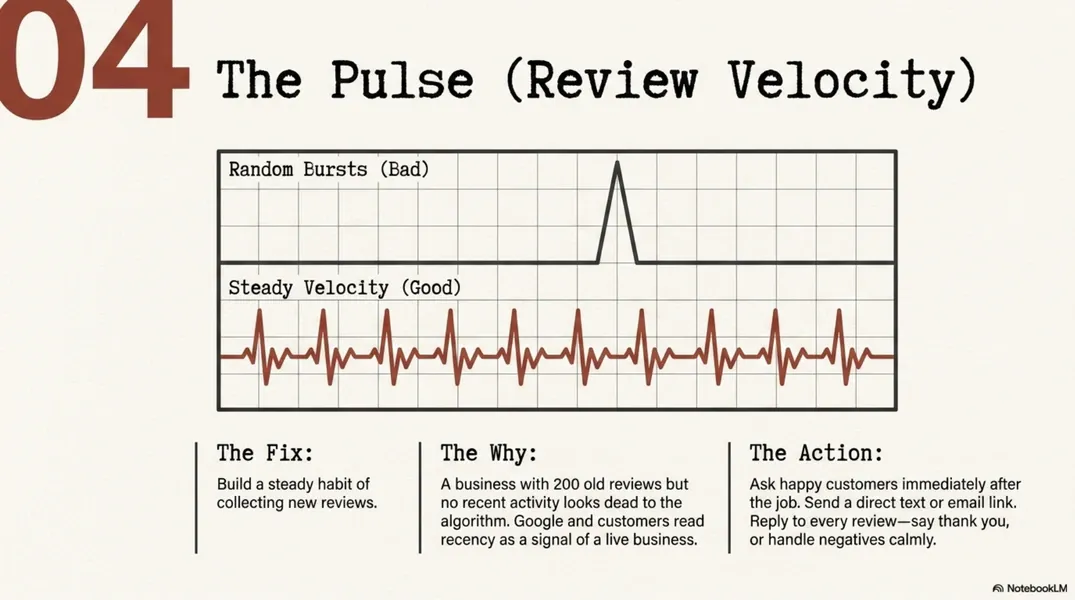
Review velocity means how steadily your business gets new reviews — not just the total number. A business with 200 old reviews but no recent activity may not look as active as a competitor getting fresh reviews every month. Google and customers both care about recent proof.
You do not need to chase reviews obsessively — you just need a consistent habit:
- Ask happy customers soon after the job is done.
- Send a direct review link by text or email.
- Use a QR code when it makes sense.
- Respond to every review.
- Do not wait months and then ask everyone at once.
A few real reviews each month is worth more than a big burst followed by silence, because Google and customers both read recency as a signal of a live, active business.
Also, reply to reviews. A good reply shows that a real person is paying attention. For a positive review, say thank you and mention the service when it feels natural. For a negative review, stay calm and do not fight — a professional answer can protect trust.
Fix #5: Make Your Business Information Match Everywhere
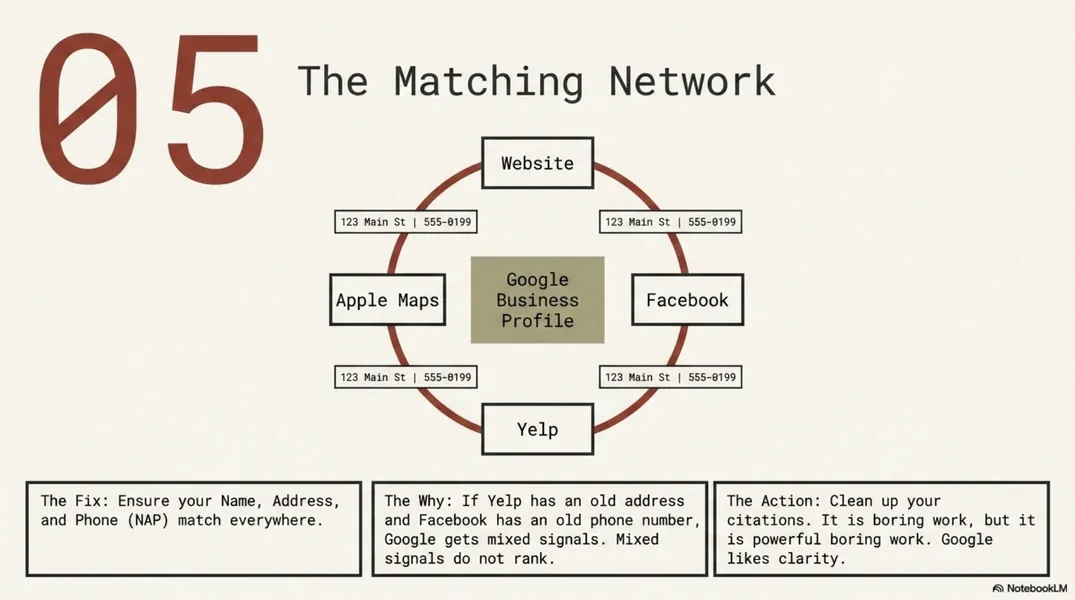
This is where many businesses get messy. Google does not only look at your Google Business Profile — it looks around the web. It checks your website, Facebook page, Apple Maps, Bing Places, Yelp, BBB, Angi, local directories, and other listings. These are often called citations.
A citation is any online mention of your business name, address, and phone number. Your business information should match everywhere — this is called NAP consistency, which simply means your Name, Address, and Phone number look the same across the web.
If one site has an old phone number, another has an old address, and another uses a slightly different business name, Google gets mixed signals. Mixed signals do not help you rank.
Quick cleanup:
- Check your website footer and contact page.
- Check your Google Business Profile.
- Check your Facebook business page.
- Check Apple Maps and Bing Places.
- Check major directories.
- Fix old addresses and wrong phone numbers.
- Use the same business name format everywhere.
This is boring work. But it is powerful boring work. Google likes clarity.
Fix #6: Make Your Website Support Your Google Listing
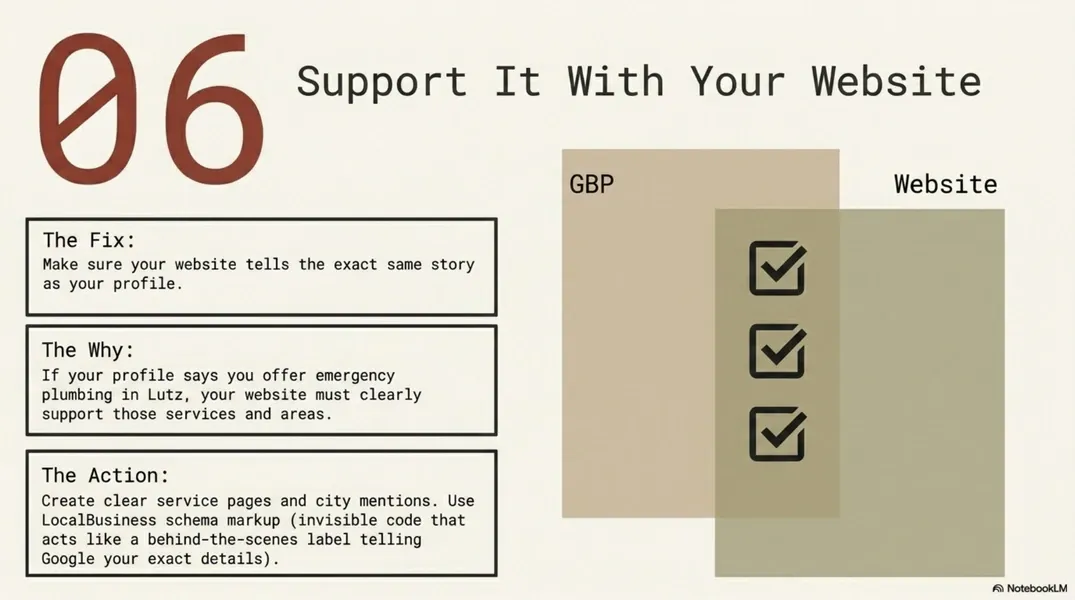
Your website and Google Business Profile should tell the same story. If your Google profile says you offer drain cleaning, emergency plumbing, water heater repair, and sewer line work, your website should clearly explain those services. If your profile says you serve Land O’ Lakes, Wesley Chapel, Lutz, Odessa, and New Tampa, your website should support those areas naturally.
Strong website support includes:
- Clear service pages.
- Clear city or service-area mentions.
- A visible phone number.
- A simple contact form.
- Testimonials or review highlights.
- Photos of your real work.
- Fast-loading pages.
- An embedded Google Map when appropriate.
- LocalBusiness schema markup.
That last one sounds technical. Schema markup is code on your website that helps Google understand your business better — customers do not see it, but Google reads it. Think of it like a label behind the scenes that tells Google: this is a local business, this is the phone number, this is the address, these are the services, these are the areas served. You do not need to understand every technical detail. You just need to know it helps Google read your website more clearly.
click to enlarge
Fix #7: Add Local Content
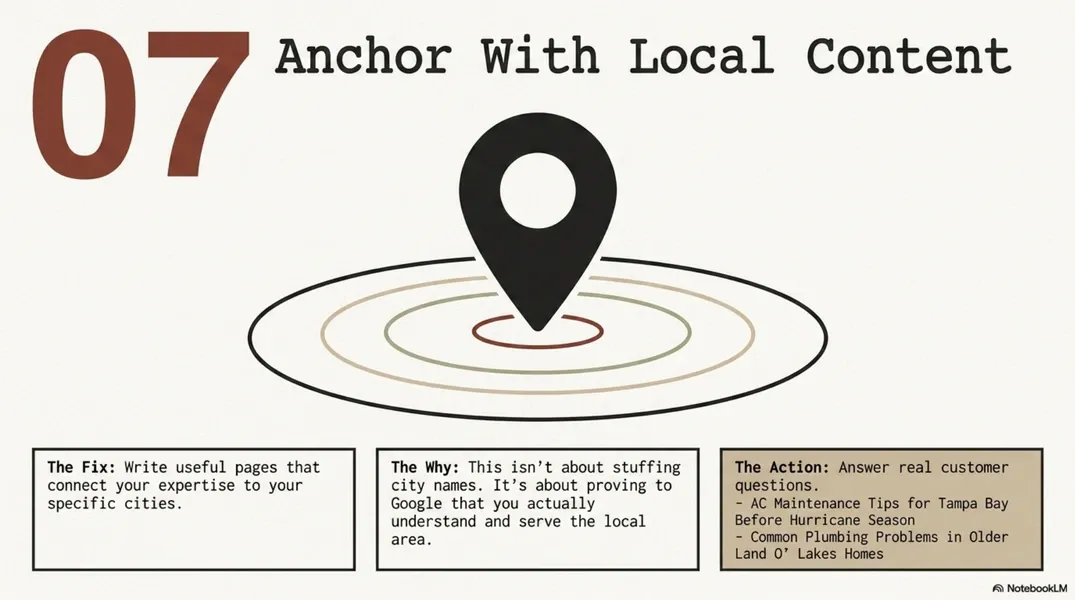
Local content helps connect your business to the places you serve — and this does not mean stuffing city names everywhere. It means writing useful pages or posts that make sense for your real customers.
Examples:
“AC Maintenance Tips for Tampa Bay Before Hurricane Season”
“Common Plumbing Problems in Older Land O’ Lakes Homes”
“What Wesley Chapel Homeowners Should Know Before Replacing Shower Glass”
“Electrical Safety Tips for Pool and Patio Season in Florida”
This kind of content helps Google connect your services to your location, and it helps customers feel like you actually understand their area. It does not need to be long or complicated — it needs to be useful.
click to enlarge
Your Simple Monthly Google Maps Checklist
Once the foundation is set, keeping things moving does not take much. Each month:
- Add 3–5 real photos.
- Publish one useful Google Business Profile update.
- Reply to recent reviews.
- Ask 2–3 happy customers for reviews.
- Check your hours and services.
- Make sure your website and Google profile still match.
- Look at the competitors showing above you.
Most businesses ignore their Google Business Profile until the phone gets quiet — and by then they are already behind. A simple monthly habit is enough to stay ahead of that.
The Bottom Line
Most Tampa Bay businesses are not invisible because they do bad work. They are invisible because Google does not have enough clear, fresh, matching information to trust them over a competitor — and that is a problem with fixable parts, not a reflection of the quality of your work.
Start with the basics:
- Your Google Business Profile.
- Your reviews.
- Your photos.
- Your business information across the web.
- Your website.
- Your local content.
When those pieces work together, your business becomes easier for Google to understand — and easier for customers to choose.
Need Help Finding What Is Holding Your Business Back?
I’m Gosia, owner of Crafted Media Lab in Land O’ Lakes. I help local service businesses clean up their Google Business Profile, strengthen their website, improve review systems, and show up better in local search.
If your business is not showing up where it should on Google Maps,
request a Google Maps visibility review. I’ll tell you what is holding the profile back and what to fix first.